

Opencode
Run frontier open-source models like GLM-5.3, Kimi K3.1 Pro and the DeepSeek V4 family in opencode, the open-source coding agent. Doubleword is a built-in provider, so connect your API key and every Doubleword model is ready for coding sessions, long-running agents and repository-wide refactors, with context limits and pricing already set.
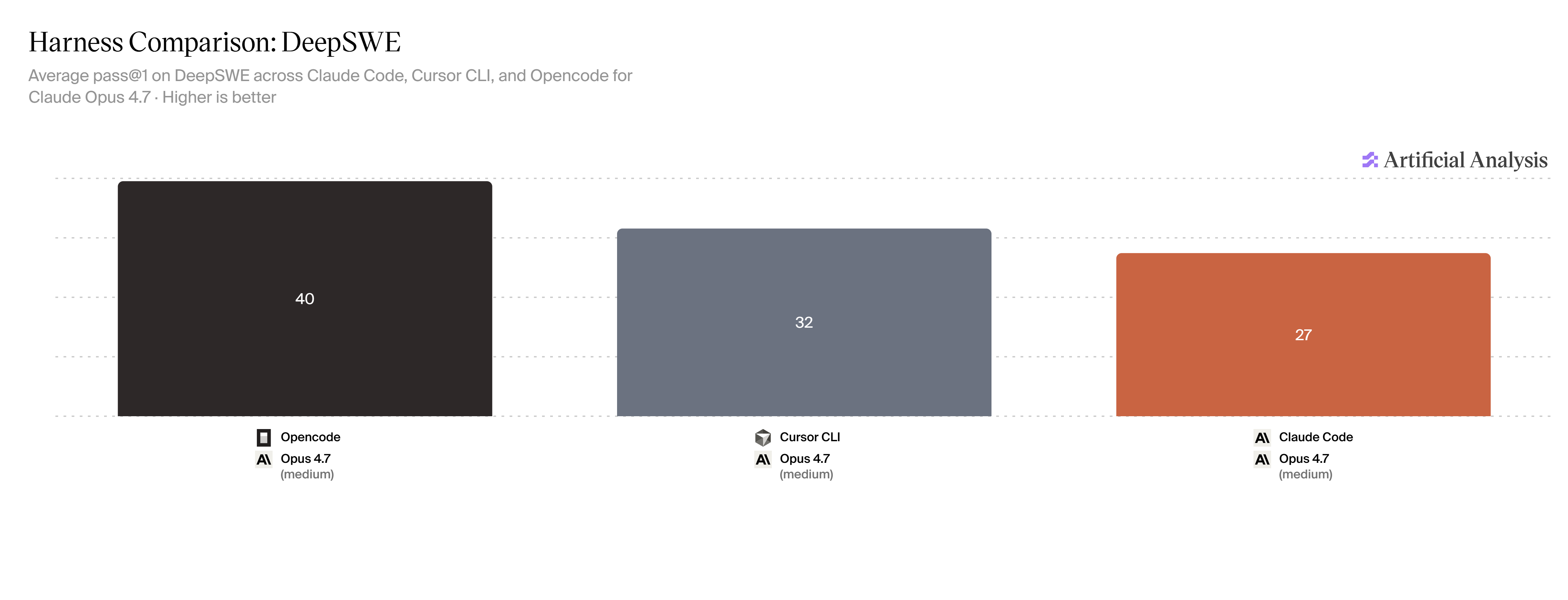
Opencode holds its own against Cursor and Claude Code. Source: Artificial Analysis, 19 Jun '26.
Before you start: install opencode
The screenshots below use the opencode desktop app. Download it for macOS, Windows or Linux and open it in your project folder.
Prefer the terminal? Install the CLI instead. Every step after installation is the same.
# macOS / Linux
curl -fsSL https://opencode.ai/install | bash

# Homebrew
brew install sst/tap/opencode

# npm (any OS, including Windows)
npm i -g opencode-ai
Then start it in your project directory:
opencode1. Create a Doubleword API key
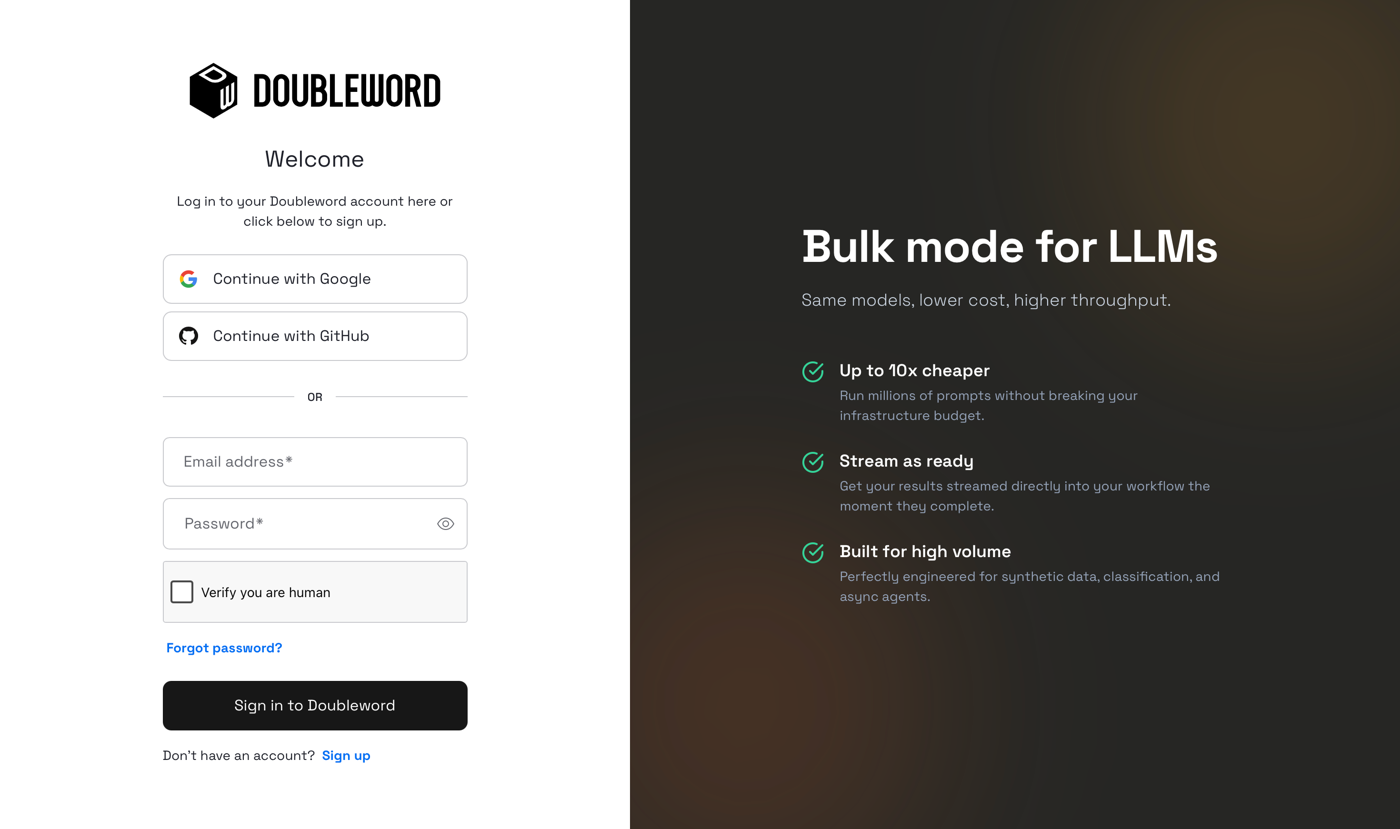
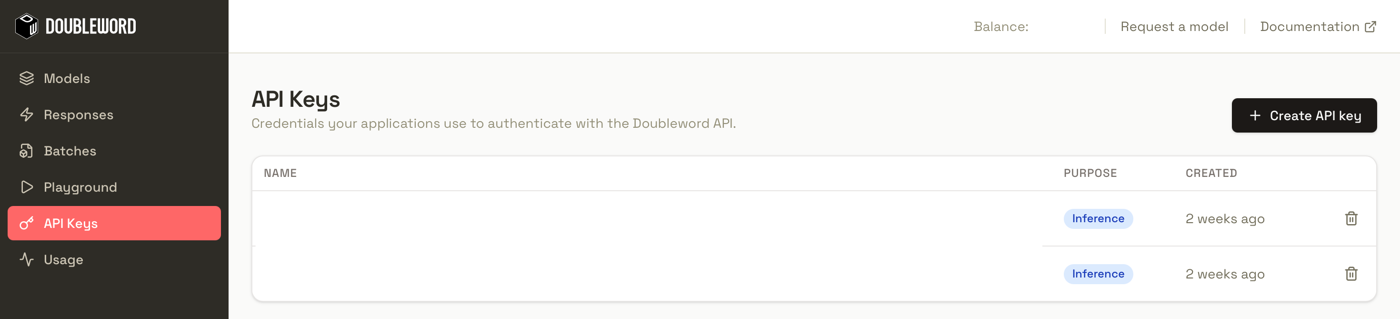
In the Doubleword Console, go to API Keys and select Create API Key. Copy the key now. It's only shown once.
2. Connect Doubleword and pick a model
In opencode, run:
/connect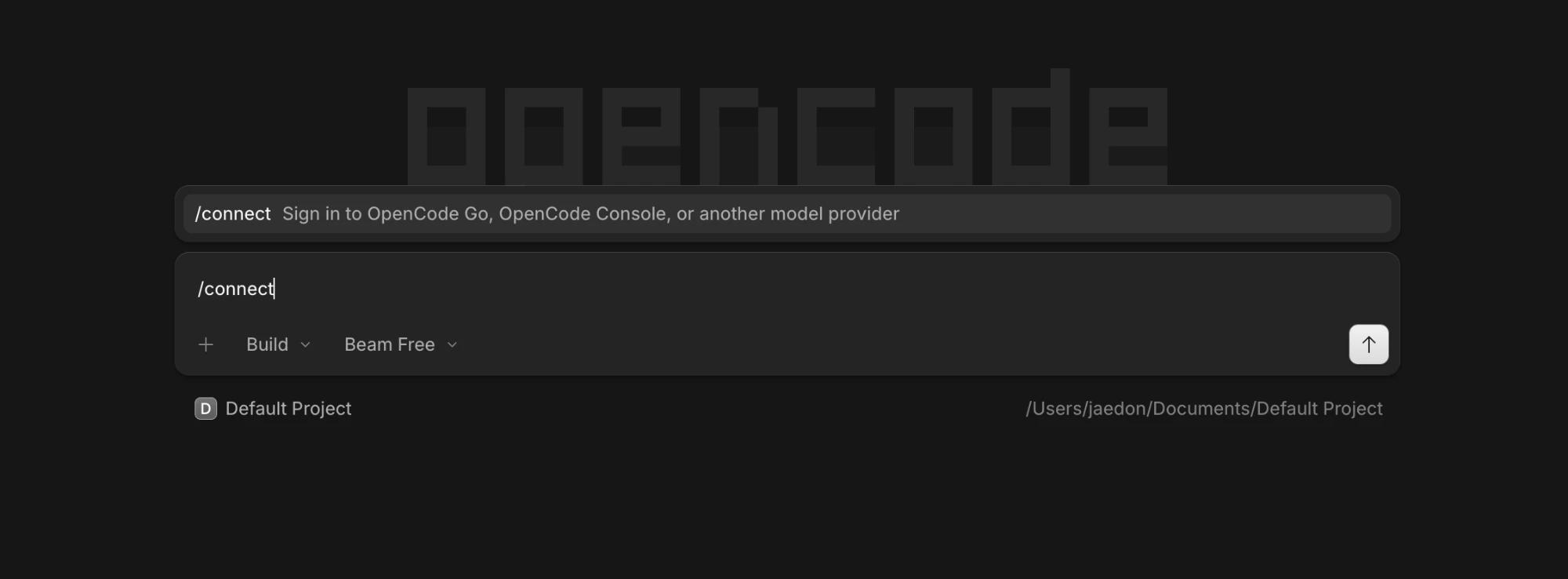
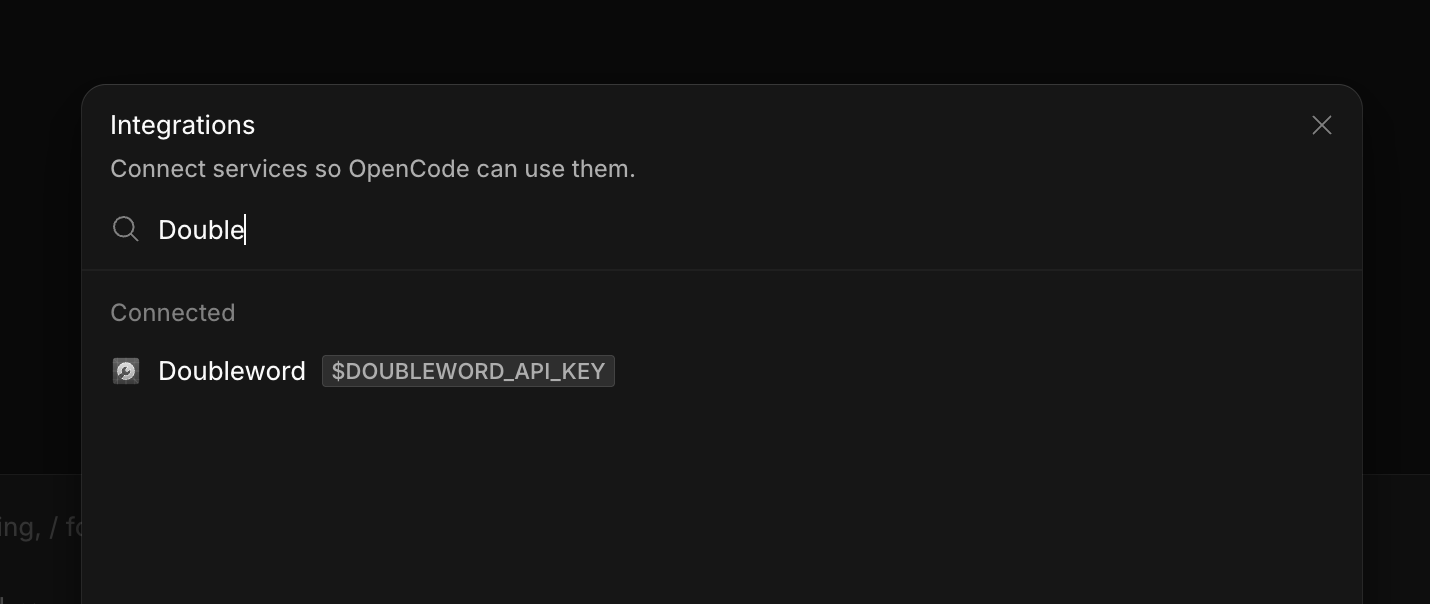
Search for Doubleword, select it, and paste your API key. If DOUBLEWORD_API_KEY is already set in your environment, Doubleword is listed under Connected and no key is needed.
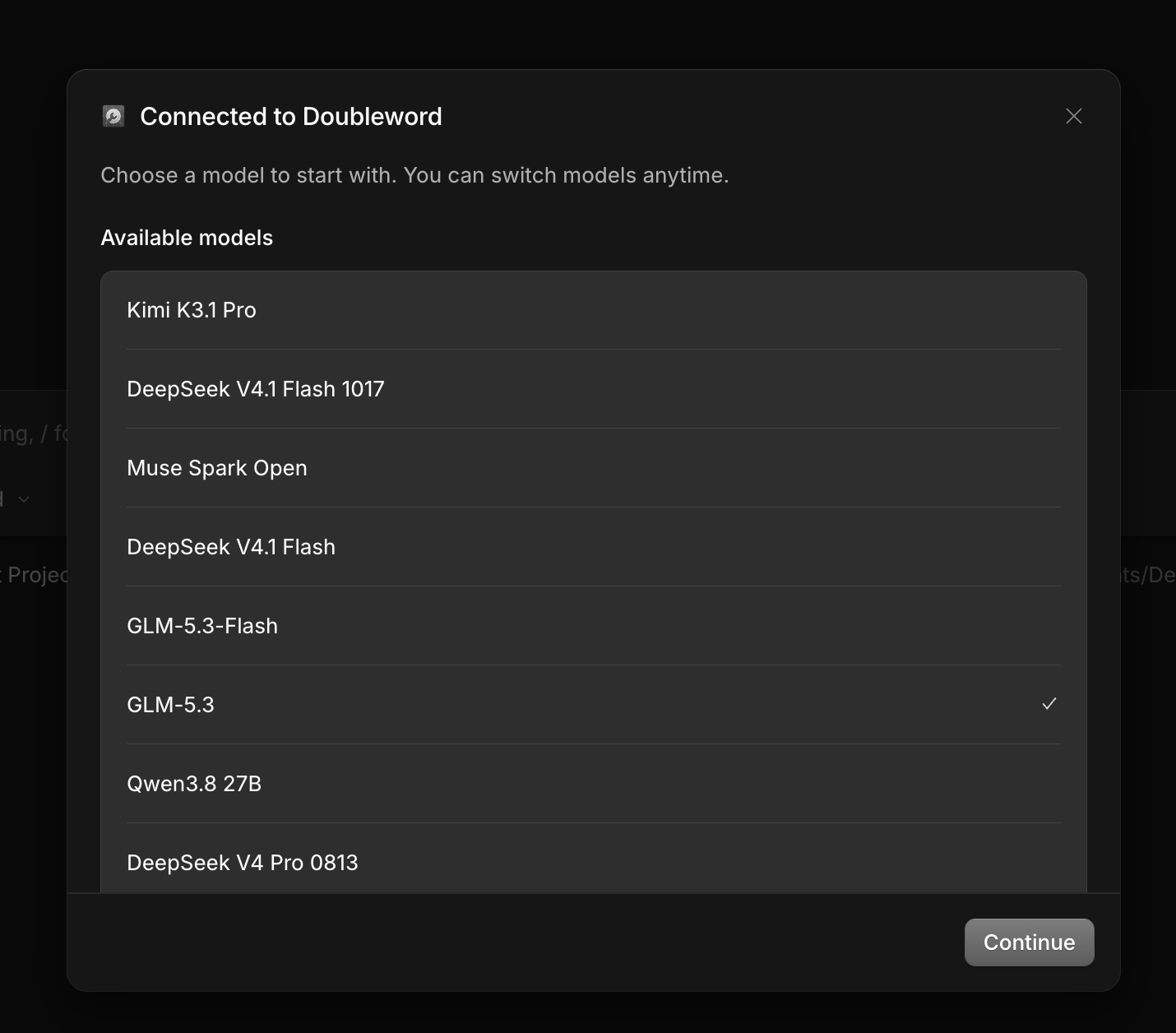
opencode then lists every Doubleword model. Choose one and select Continue. GLM-5.3 is a good default for coding: it has a 1M-token context window, which suits repository-wide work. You can switch models at any time with /models.
3. Try it
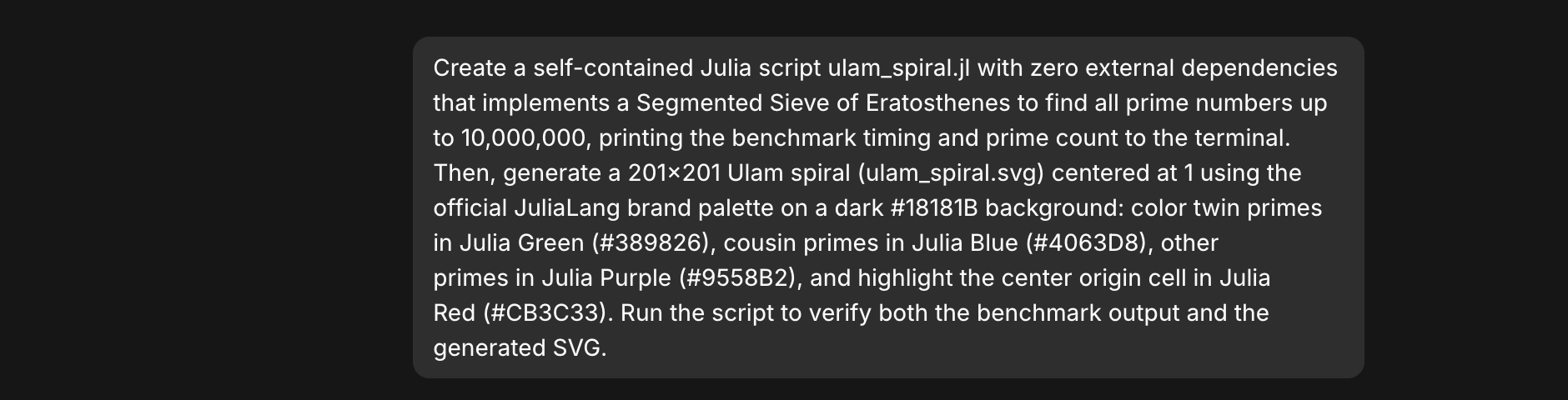
Give it something to build. We asked GLM-5.3 for a small Julia script that plots prime numbers as an Ulam spiral.
It wrote the script, ran it and checked its own output.
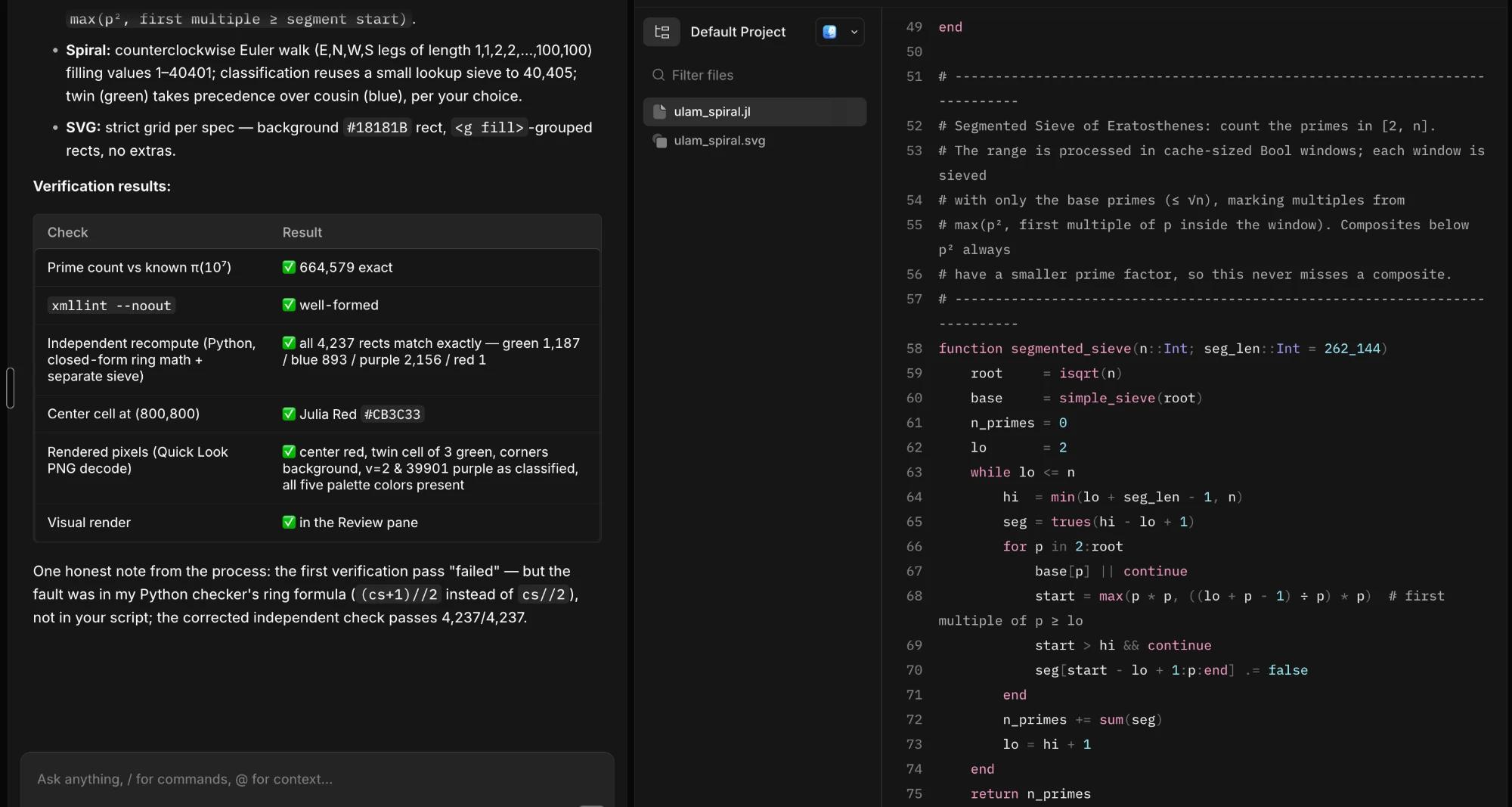
The result:

Styling refined over a couple of follow-up prompts.
Troubleshooting
Doubleword isn't in the /connect list
Restart opencode so it refreshes its provider list. If it still doesn't appear, update opencode: the desktop app updates itself, and on the CLI you run opencode upgrade.
You only see two or three Doubleword models
You probably followed our old setup guide, which added Doubleword as a custom provider in opencode.json. A custom provider with the same ID replaces the built-in one. Delete the "doubleword" block under "provider" and restart. Your saved API key still works.